Email Verification API vs Bulk Upload: Which One to Use When
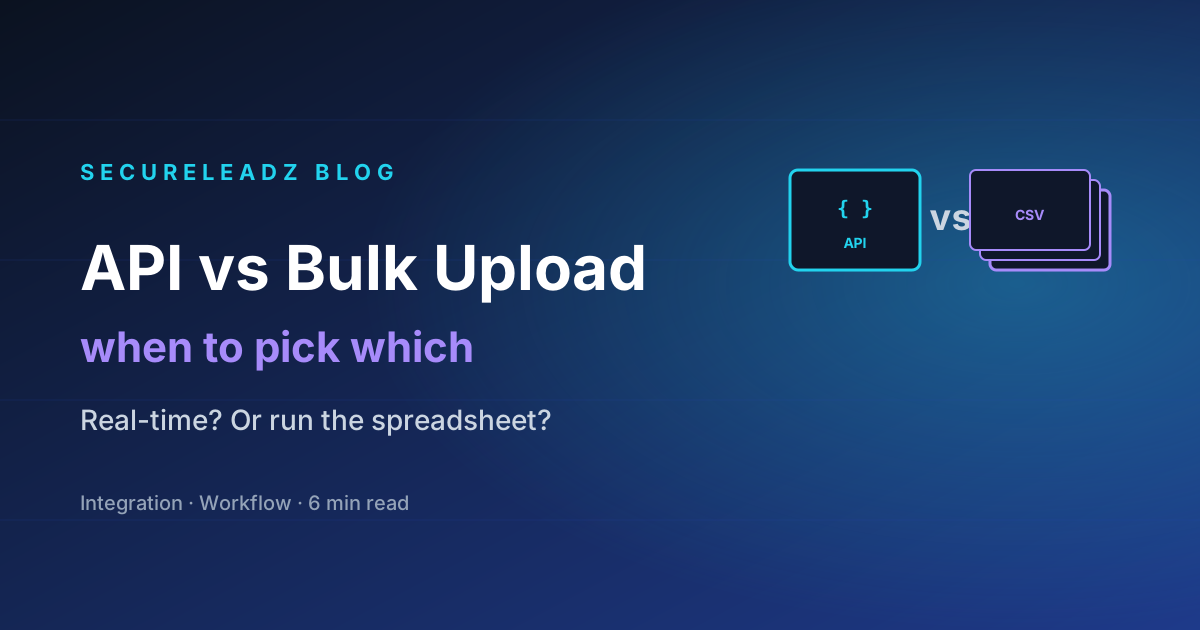
API for real-time checks at signup, search, or form-submit. Bulk upload for cleaning lists you already have. Here's the decision framework — and the hidden costs of getting it wrong.
You've decided to verify your emails — good. The next decision is which integration mode to use. SecureLeadz exposes the same verification engine through two doors: a real-time API and a bulk CSV/XLSX uploader. Most teams pick one out of habit and pay for it later. Here's how to choose properly.
The one-line decision
- If you need an answer in the moment a user types an address → API.
- If you have a spreadsheet of contacts to clean before sending → Bulk upload.
That's the rule. Below is why, and the edge cases that break it.
When the API is the right call
The real-time API is for any moment where a user-facing decision depends on the verification result inside a single request.
The four classic use cases:
- Signup form validation. Reject obviously-bad emails before they make it into your user table. A signup with
asdf@gmail.con(note the typo) costs you nothing to reject and saves you a permanently broken user record. - Lead-capture forms on landing pages. Same idea — every lead that lands with a fake or invalid email is a contact you'll waste sales effort chasing.
- CRM enrichment at the moment a record is created. Sales rep adds a contact in Salesforce → webhook to your API → result written back to the lead's
email_statusfield. - In-app email finder UX. The user types a name + domain and expects a result in two seconds. Bulk upload doesn't fit; the API does.
The API integration looks like this:
curl -X POST https://api.secureleadz.com/v1/verify \
  -H "Authorization: Bearer sk_live_yourKey" \
  -H "Content-Type: application/json" \
  -d '{"email": "user@example.com"}'

# {
#   "email": "user@example.com",
#   "status": "valid",
#   "reason": "smtp_check_passed",
#   "score": 96,
#   "credits_remaining": 9874
# }
Latency is typically 300–800 ms for non-catch-all addresses; 1.5–3 seconds for catch-alls (because we run additional probes). Build your UX around this — show a spinner, don't block the submit button.
When bulk upload wins
Bulk upload is for lists you already have. The kind that show up in spreadsheets, exported from a sales tool, downloaded from a webinar registration, scraped from a conference badge list. The kind where:
- You're going to send to all of them tomorrow morning.
- You don't care which order they're verified in.
- You don't need a programmatic response — you need a clean CSV out the other side.
Bulk is also how you should handle:
- Periodic list hygiene. Re-verify your customer database every 6 months. Inactive accounts go cold, jobs change, domains migrate.
- Pre-campaign cleanup. Before any send larger than 1,000 messages, run the list through bulk. The 30 minutes it takes saves you 3 weeks of reputation repair.
- Vendor list reviews. You bought a list (or, more politely, you "licensed" one). Always verify before sending — the seller's quality claims are aspirational.
Bulk in SecureLeadz is a drag-and-drop in the dashboard. Result file is a downloadable CSV with the original columns plus four new ones: status, reason, score, catch_all. Filter on status = valid and you have your sending list.
The hidden cost of using the wrong mode
We see two specific mistakes repeatedly.
Mistake 1: Using the API to verify a 50,000-row list. People script this. They paginate through their CRM, call the API once per row, write the result back. It works — but it costs you. Bulk pricing per email is materially lower than API pricing at scale, and the bulk job runs in our optimised pipeline (concurrent SMTP probes, shared DNS cache) instead of the per-request pipeline. A 50k-row API loop can run for 8 hours and cost 30% more than the equivalent bulk upload that finishes in 12 minutes.
Mistake 2: Using bulk for signup validation. Some teams export their signup CSV nightly, run a bulk job, then disable accounts that failed verification. By that point the user has logged in, possibly invited teammates, and definitely created data. Removing the account is expensive and damages your support relationship. Validating at signup with the API catches the problem before it exists.
The hybrid pattern that actually works
For most B2B SaaS products, the right answer is both:
- API on every signup, form submission, and contact-create event. Synchronous, blocking, ~500ms.
- Bulk every quarter on your full contact database. Catches the addresses that went stale since they were first verified.
- Bulk every campaign before sending. Defence-in-depth against drift.
That's our recommended pattern. Same engine, same credit pool, two integration surfaces.
Where to find each in SecureLeadz
- API:
Dashboard → API Keys. Generate a key, copy it once (we hash it; we can't reveal it again). Full reference athttps://api.secureleadz.com/v1. - Bulk:
Dashboard → Verify Email → Bulk tab. Drop a CSV with one email per row (column nameemail). Job runs in the background; you'll get a notification when it's done.
Both share the same per-email credit cost. Both pull from the same totalCredits pool. The only difference is which door you walk through.
TL;DR
Use the API when a human is waiting for the answer. Use bulk when nobody is. Use both when you care about deliverability for the long haul.
Stop guessing which emails will deliver.
SecureLeadz verifies, finds, and screens B2B emails — and tells you exactly why each one will land. 100 free verifications, no credit card.
Try SecureLeadz free