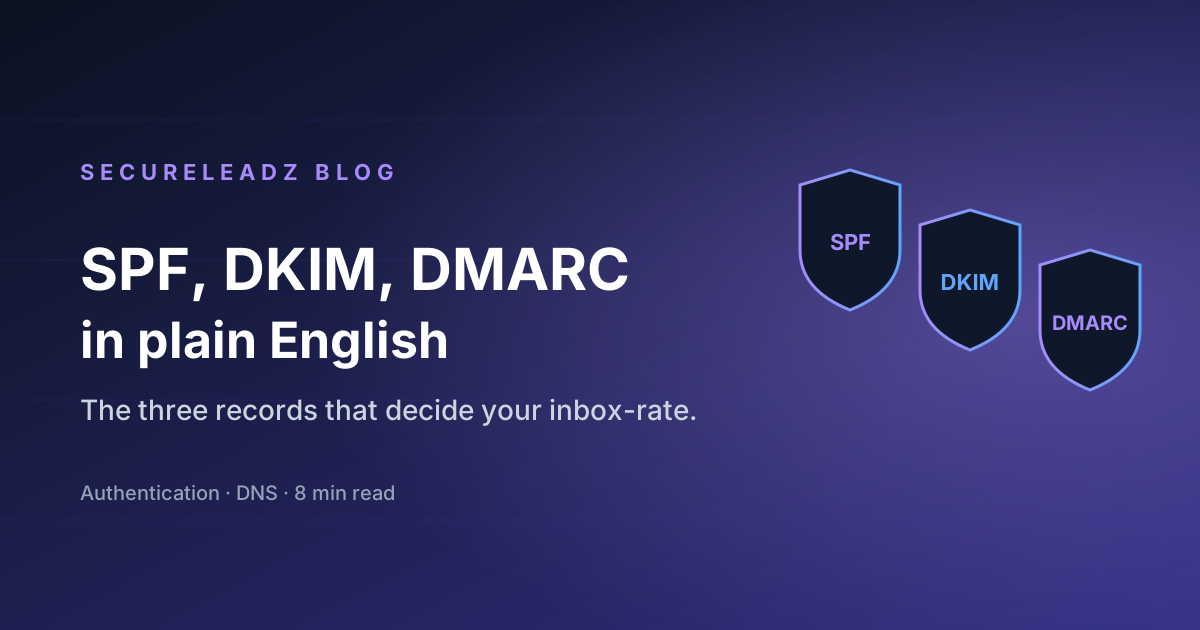
SPF, DKIM, and DMARC: The Three Records That Decide Whether Your Email Lands
A plain-English walkthrough of the three DNS records that control email authentication — what each one does, how to set them up, and how to read a DMARC report without losing your mind.
If your cold emails are landing in spam even when the addresses are verified and the content is clean, the problem is almost always authentication. Mailbox providers don't just check whether an address exists — they check whether the server sending the message is allowed to send mail on behalf of the domain. That check is run against three DNS records: SPF, DKIM, and DMARC. If even one is misconfigured, your reputation takes a hit on every send.
This post is the no-fluff version of what each record does, how to set it up, and how to verify it's working.
SPF — "who is allowed to send mail as me?"
SPF (Sender Policy Framework) is a TXT record on your domain that lists the IP addresses and services authorised to send mail using your domain in the From address.
A typical SPF record for a business that sends via Google Workspace + a transactional provider looks like this:
v=spf1 include:_spf.google.com include:sendgrid.net ~all
Three things matter:
include:statements add another service's authorised servers to yours. Each provider publishes its own SPF block; you just delegate.~allis the catch-all.~allsays "soft fail" (mark suspicious),-allsays "hard fail" (reject),+allsays "accept anything" (never do this).- You can only have one SPF record per domain. If you publish two, every mailbox provider treats it as an authentication failure. Merge them into a single record.
The 10-lookup limit is the gotcha that bites everyone eventually. SPF caps the number of DNS lookups it does while resolving include: chains at 10. If you include four marketing tools that each include three more, you blow the limit and authentication silently fails. Use a flattener like dmarcian once a quarter to check.
DKIM — "is this message actually from me, unmodified?"
DKIM (DomainKeys Identified Mail) is a cryptographic signature added to outgoing mail. The sending server signs each message with a private key; the receiving server fetches your public key from DNS and verifies the signature.
You set up DKIM by:
- Generating a key pair in your sending service (Google Workspace, SendGrid, Resend — whoever).
- Publishing the public key as a TXT record at
selector._domainkey.yourdomain.com. The selector is just a short label likegoogle,s1, or whatever the service tells you. - Letting the service rotate keys periodically — most providers handle this for you.
DKIM proves two things to the recipient: the message was authorised by your domain, and the body wasn't tampered with in transit. Without it, any forwarder that rewrites headers will break SPF, but DKIM survives forwarding intact. That's why modern deliverability relies more on DKIM than SPF.
DMARC — "what should you do if SPF or DKIM fails?"
DMARC (Domain-based Message Authentication, Reporting, and Conformance) is the policy that tells receiving servers what to do when SPF or DKIM doesn't pass — and how to send you reports about it.
A starting DMARC record looks like:
v=DMARC1; p=none; rua=mailto:dmarc-reports@yourdomain.com; pct=100; adkim=s; aspf=s
Walking through the fields:
p=none= "tell me about failures but deliver the mail anyway." Start here for a week, read the reports, then graduate top=quarantine(spam folder) and eventuallyp=reject(bounce). Don't skip straight toreject— you will break something.rua=mailto:...= where aggregate XML reports get sent daily. Most teams use a free service like Postmark's DMARC Digests to make these readable.adkim=s/aspf=s= strict alignment. The domain in theFromheader must exactly match the one DKIM/SPF signed. Loose alignment (r) is more forgiving and is the default if you omit these.
The reason DMARC matters: Google and Yahoo now require it for any sender over 5,000 messages per day. No DMARC record at p=quarantine or p=reject, no inbox.
How to actually test it
After you publish all three records, send a test message from your domain to check-auth@verifier.port25.com. They reply within seconds with a full SPF + DKIM + DMARC report. Or use MXToolbox's deliverability check — same idea, web UI.
For an ongoing view, plug your DMARC reporting address into Postmark DMARC Digests or Valimail Monitor (free tier). Within a week you'll see exactly which services are sending mail as your domain, which ones are passing auth, and which ones are silently failing.
The 30-minute setup, in order
- Audit who sends mail as you. Google Workspace, your marketing tool, your support inbox, your transactional sender — anything that hits the recipient's
Fromheader. Write them all down. - Build one SPF record that includes every legitimate sender. End it in
~allfor now. - Enable DKIM in each service. Each one will give you a TXT record to publish at a unique selector. Don't skip any — unsigned mail will fail DMARC alignment.
- Publish DMARC at
p=nonewith a reporting address. Wait a week. - Read the reports. Anything legitimate that's failing — add it to SPF or set up DKIM for it. Anything illegitimate (forwarders, spoofers) — leave it failing.
- Tighten to
p=quarantinethenp=rejectonce the reports show 100% pass rate from your real senders.
That's it. Most companies skip step 5 and wonder why they keep landing in spam. The reports are the whole point.
Where verification fits in
Authentication tells the recipient your mail is legitimate; verification tells you the recipient is real before you send. They're complementary. If you authenticate perfectly but send to dead addresses, your bounce rate destroys the reputation you just built. If you verify perfectly but skip authentication, your real mail still goes to spam because the receiver can't tell it's from you.
Get both right and you'll see deliverability move from "we hope" to "we measure."
Stop guessing which emails will deliver.
SecureLeadz verifies, finds, and screens B2B emails — and tells you exactly why each one will land. 100 free verifications, no credit card.
Try SecureLeadz free