Why Your Cold Emails Go to Spam (And How to Fix It in 7 Days)
A diagnostic checklist for the seven most common reasons cold email lands in spam, ranked by how often we see them in real-world audits — with the exact fix for each.
If your last cold email campaign landed a 12% open rate when you expected 35%, the most likely explanation is not your subject line. It is that 60-70% of your messages went to the spam folder before your subject line ever had a chance to be read.
This is the diagnostic guide we wish someone had handed us before our first cold campaign. Seven common causes, ranked by how often we see them in real-world audits, with the exact fix for each.
1. Your domain has no SPF, DKIM, or DMARC records
This is the cause in roughly half the audits we run. Sending mail from a domain without these three authentication records published in DNS is the email equivalent of mailing a letter with no return address — receivers cannot verify you are who you claim to be, and most modern mailbox providers will silently filter you to spam.
The fix (about 60 minutes):
- SPF — Publish a TXT record at your domain root that lists every IP/service authorized to send mail on your behalf. For a typical setup using Google Workspace plus a sending tool:
v=spf1 include:_spf.google.com include:sendgrid.net ~all. - DKIM — Generate a DKIM key pair from your sending platform and publish the public half as a TXT record at the selector subdomain it specifies (typically
selector1._domainkey.yourdomain.com). - DMARC — Publish a TXT record at
_dmarc.yourdomain.com. Start with a permissive policy (v=DMARC1; p=none; rua=mailto:dmarc@yourdomain.com) so you can collect reports without breaking anything, then tighten top=quarantineorp=rejectafter 30 days of clean reports.
Use SecureLeadz's domain verifier to confirm all three are published correctly. If any of them shows a soft-fail or missing record, fix that first — there is no point optimizing anything else until you do.
2. Your bounce rate is above 2%
A bounce above 2% is a direct signal to mailbox providers that you are not maintaining your list. Their algorithms respond by throttling, then by spam-foldering your messages, and finally by outright blocking your IP.
The cause is almost always the same: lists that were not verified before the send. Free lead-database exports decay at 2-5% per month, and even a list scraped yesterday will have 8-15% invalid addresses inside it.
The fix: Run every list through a verifier before launch. Remove anything classified as "invalid", and treat "risky / catch-all" as send-with-caution-only for high-value targets. Aim for a verified send-list bounce rate under 1%.
3. You are sending from a cold domain with no warm-up
Mailbox providers track sending volume per domain over time. A brand-new domain that suddenly sends 200 messages a day looks indistinguishable from a spammer's throwaway domain — and is treated accordingly.
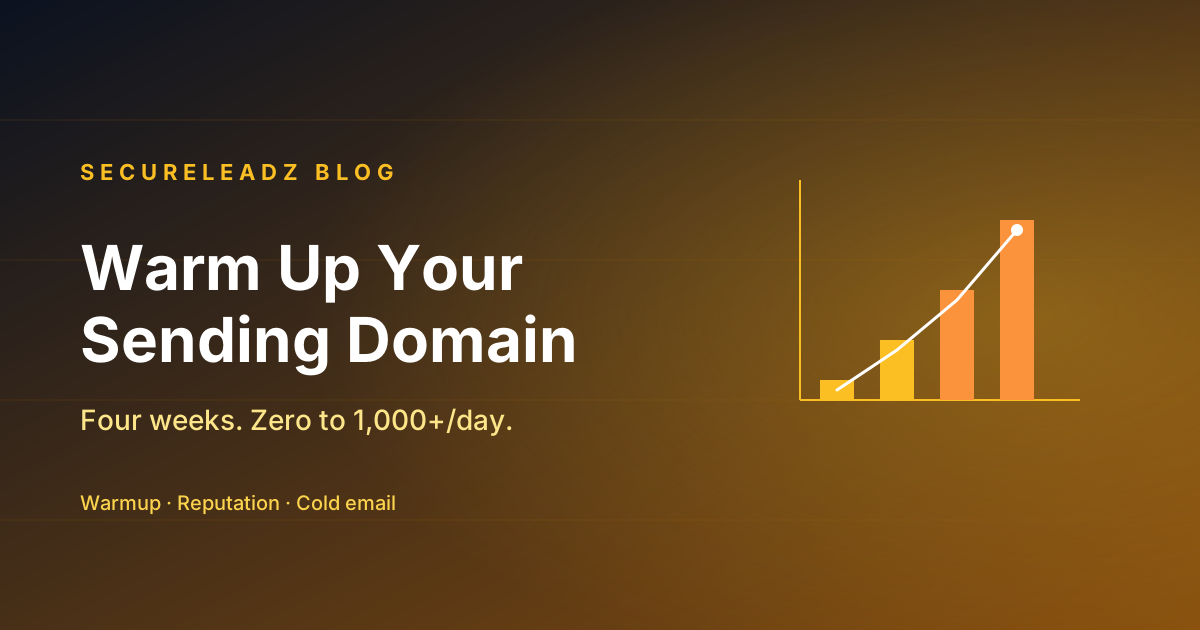
The fix: Warm new domains for at least 21-28 days before any cold campaign:
- Day 1-7: Send 5-10 personal-feeling messages a day, mostly to inboxes you control or close contacts who will reply.
- Day 8-14: 15-25 a day, gradually adding cold prospects.
- Day 15-21: 30-50 a day, full personalization.
- Day 22+: You can begin a real campaign at 50-100 a day per inbox.
Most modern sending platforms (Instantly, Smartlead, Lemlist) include automated warm-up that exchanges messages with a peer network of inboxes. Use it.
4. You are sending too many messages from one inbox
Even a fully-warmed inbox should not exceed 50-80 cold messages per day. Above that, the per-inbox-volume signals start matching spammer patterns regardless of your warm-up.
The fix: Run multiple sending inboxes in parallel — typically 3-5 secondary domains, each with 1-2 inboxes, each sending 30-50 cold messages a day. This gives you 200-500 daily cold sends with healthy per-inbox volume.
5. Your subject lines or body trigger spam filters
Spam filters in 2026 are mostly machine-learned, not keyword-based — but a handful of patterns still trigger them reliably:
- All-caps subject lines ("URGENT: PARTNERSHIP OPPORTUNITY")
- Excessive punctuation ("Quick question!!! Are you free???")
- Currency symbols and percentages in subject ("$10,000 in 30 days — 50% off!")
- The word "free" in the subject line of a cold message
- Image-only emails with no text body
- Tracking pixels and link-tracking on every link when using a brand-new domain
- Unbalanced text-to-HTML ratio — pure plaintext is fine, pure HTML is suspicious
The fix: Send in plaintext from cold inboxes. Disable link tracking entirely for the first 90 days of a new domain's life. Use lowercase subject lines under 5 words. Treat your cold email like a one-line message you are sending to a colleague — because that is the pattern mailbox providers' models reward.
6. Your list is full of role-based and disposable addresses
Sending to info@, sales@, admin@, and similar role addresses correlates strongly with spam complaints because the recipients did not personally opt in. Mailbox providers know this and weight role-address sends more harshly.
The fix: Filter role-based addresses out of every campaign. SecureLeadz flags these automatically as a separate category — most cold-email tools have similar filters but they are off by default.
7. Your domain is on a blacklist
A handful of public DNSBLs (Spamhaus, SORBS, Barracuda) act as a shared reputation system across mailbox providers. Once a domain or IP is listed, deliverability drops dramatically — and the listing can persist for weeks even after the underlying problem is fixed.
The most common reason a clean small business ends up on a blacklist is buying a "warmed" domain from a marketplace where it had been previously used by a spammer.
The fix:
- Check current status at mxtoolbox.com/blacklists.aspx for your domain and your sending IPs.
- For each listing, follow the de-list process of that specific blacklist (usually a form on their site explaining why you should be removed).
- Pause sending until you are de-listed. Continuing to send while listed is what got the previous owner of your domain in trouble in the first place.
- For new domains, always check blacklist status before purchasing.
A 7-day fix-it sprint
If you are seeing low open rates today and want to do this systematically, this is the order:
| Day | Task |
|---|---|
| Day 1 | Audit SPF, DKIM, DMARC. Fix any that are missing or misconfigured. |
| Day 2 | Check blacklist status of all sending domains and IPs. De-list anything that's listed. |
| Day 3 | Run your last 3 campaign lists through a verifier. Quantify how many bounces you sent. |
| Day 4 | Pull your current list, verify it, remove invalid + role-based + disposable. |
| Day 5 | Set up two new secondary domains for cold sending. Begin warm-up. |
| Day 6 | Rewrite cold-email templates: lowercase subjects, plaintext bodies, no link tracking. |
| Day 7 | Send a small test campaign (50 prospects) and check inbox placement using a tool like Mail Tester or GlockApps. |
The honest truth: items 1-4 will fix 80% of cases. Items 5-7 are for the remaining 20% where the fundamentals are solid but the sending pattern is the problem.
When the problem is the offer, not the deliverability
A last note that surprises new founders: if your cold emails are landing in the inbox but no one is replying, that is not a deliverability problem. That is a targeting and copy problem. The fix is to test smaller lists with sharper copy, not to keep tweaking your DKIM key. Spend 80% of your effort on the right ICP and the right opening line — but only after the deliverability checklist above is solved, because the inverse (great copy, terrible deliverability) is unrecoverable.
Recap
Cold-email deliverability is a stack: domain authentication, list quality, sending pattern, and content. A weakness in any one layer pulls down the whole stack. Most teams spend 90% of their time tuning the top layer (subject lines and copy) when the bottom layers are where their real losses are happening.
Run the diagnostic in order. Fix one layer at a time. Most teams see open rates double or triple within two weeks of completing the seven-day sprint above.
If you want a free, no-signup deliverability scan of your sending domain, drop the domain into SecureLeadz's domain verifier — you'll get an A-F grade on each of the seven items in this guide in under 30 seconds.
Stop guessing which emails will deliver.
SecureLeadz verifies, finds, and screens B2B emails — and tells you exactly why each one will land. 100 free verifications, no credit card.
Try SecureLeadz free